 Offline
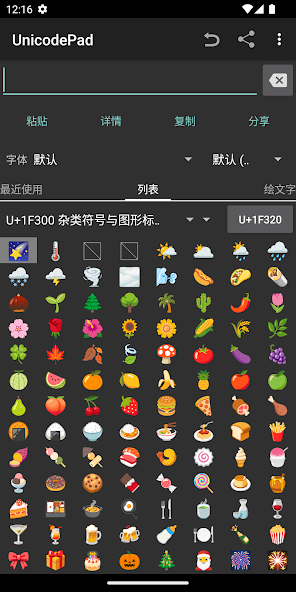
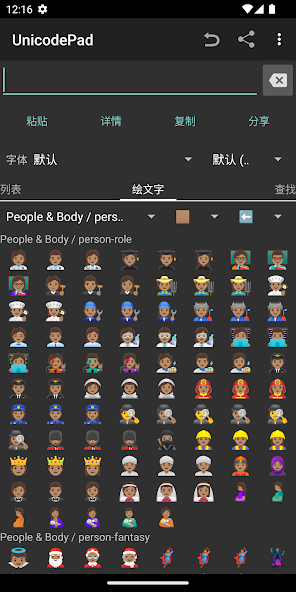
Input all characters in Unicode with UnicodePad.
Input all characters in Unicode with UnicodePad.
And input string can be copied to the clipboard or input directly by Mushroom.
You can find out where selected character is in list.
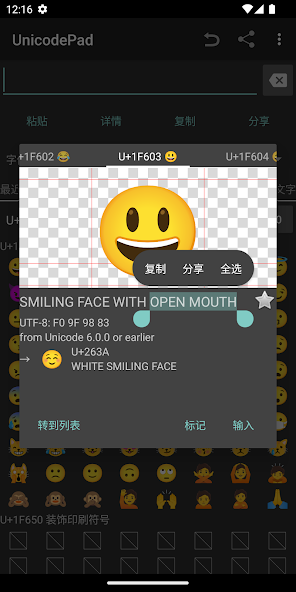
By long clicking, larger character and code point will be shown.
Favorite characters can be memorized.
If you can't see special characters, you have to get a font such as Noto font and select it.
You can download Noto fonts from: https://www.google.com/get/noto/
Controls:
Click - Input character
Long click - Show character information
You can contribute to this app in GitHub.
https://github.com/Ryosuke839/UnicodePad
This application includes a modified version of Unicode Data File.
(http://www.unicode.org/Public/13.0.0/ucd/NamesList.txt)
Copyright © 1991-2020 Unicode, Inc. All rights reserved.
Distributed under the Terms of Use in
http://www.unicode.org/copyright.html.
Get free Primogems, Mora, Experience, and more with these November 2024 Genshin Impact codes, 5.1 livestream codes, and find out how to redeem active codes.
If you are bored with playing the vanilla version of Metaphor ReFantazio, you can check out these five mods.
Struggling with your submissions for Roblox's The Haunt event in 2024? Check out our guide on using Dress to Impress to create your captures!
Our walkthrough for Dragon Age: The Veilguard with some handy tips and tricks, with guides for puzzles, bosses, companions, equipment, romance, and more!
Which faction should you pick in Dragon Age: The Veilguard?
Looking for some bonus resources in Sea of Conquest: Pirate War? We’ve got you covered with these codes for the latest seafaring freebies.
On our website, you can easily download the latest version of Unicode Pad! No registration and SMS required!